

PC gaming is all about the right setup and it starts with your keyboard and mouse.
If you want to level up your PC gaming experience, then you’ve got to learn how to position your keyboard and mouse. It may not seem like much but finding the right setup can make a world of difference. After all, you don’t want to be sitting down for hours only to have aches in your arms and wrists.
There’s three different types of keyboard and mouse positions and you can pick and choose which one fits you best.
Angled Keyboard and Mouse
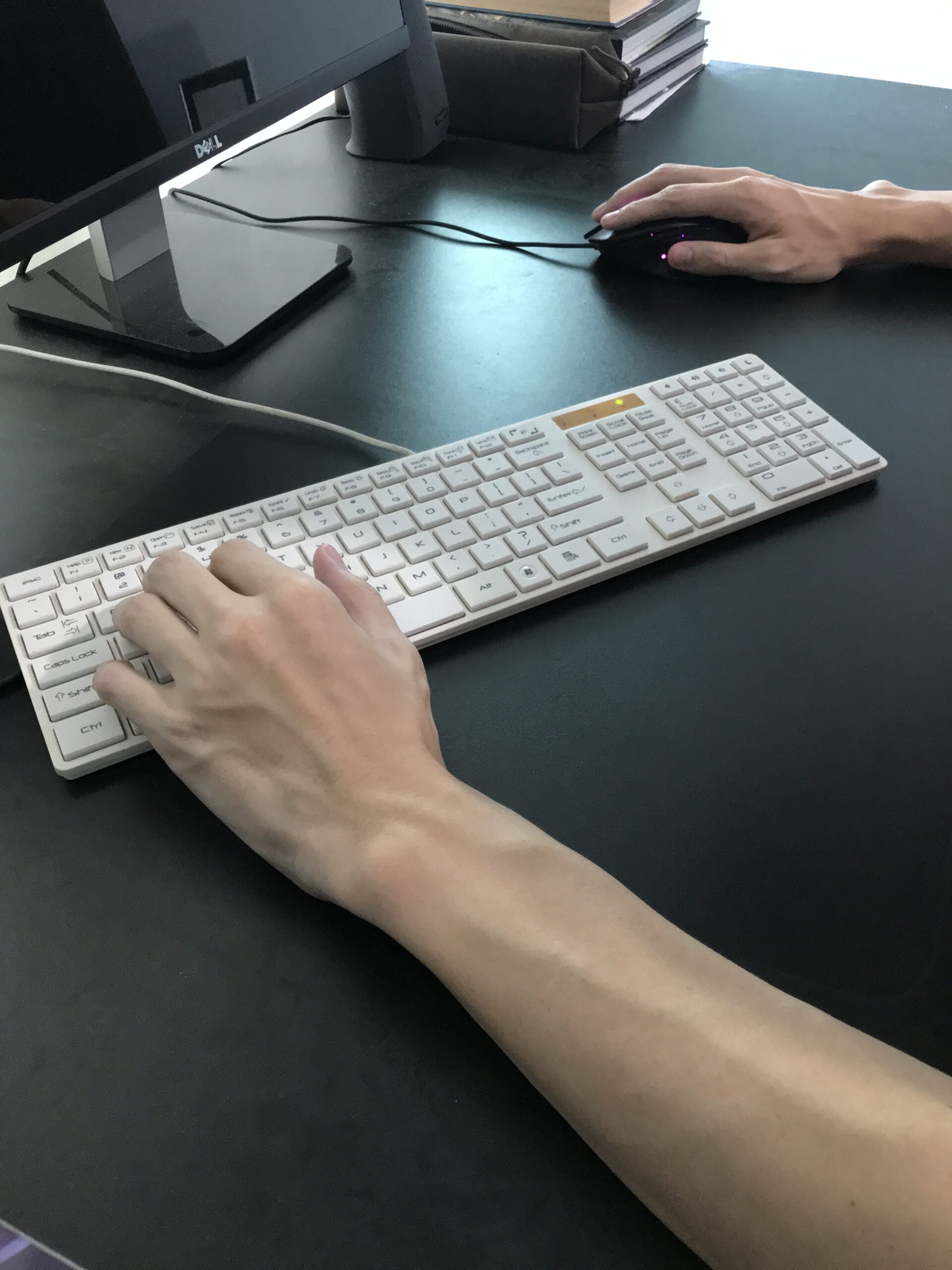
As the name suggests, this position has you tilting your keyboard and mouse in a 30 or 45 degree angle. While it may look odd, it’s a solution to a common posture problem PC gamers have during intense gaming sessions.
Gamers will typically lean forward to help them focus on what’s happening on their screen. Doing so causes their elbows to spread outwards as their arms and shoulders are no longer properly aligned. Keeping the keyboard and mouse in the usual centered position will cause the wrists to bend in an odd angle, which can lead to long lasting detrimental effects.
The solution then is to angle your keyboard and mouse so that your wrists remain aligned with your forearms. While the “gamer lean” is still not an ideal position to have for extended periods of time, this simple fix can relieve a lot of stress on your wrists and provide a more comfortable gaming experience.
Perpendicular Keyboard and Mouse
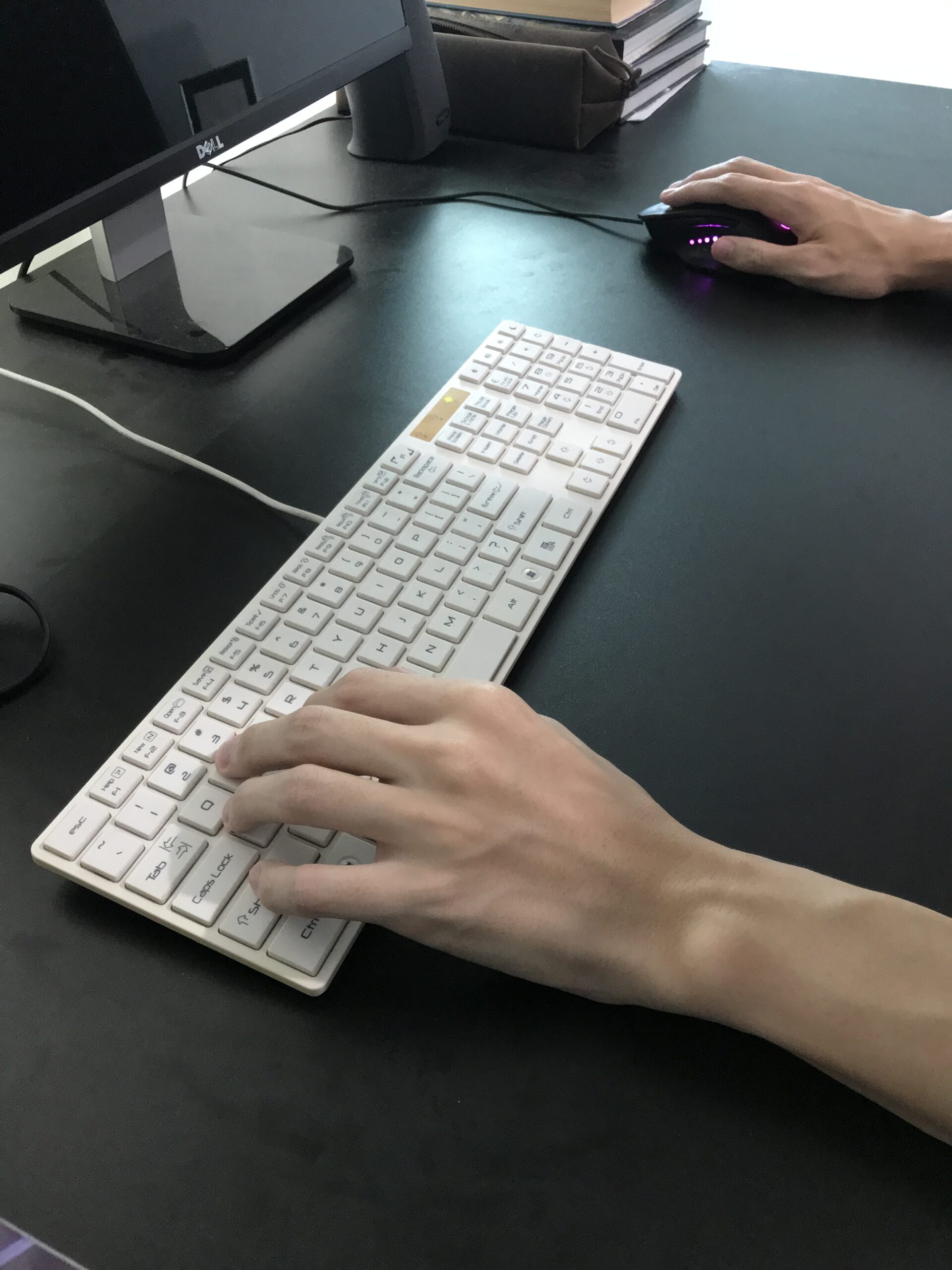
This setup is the one that everyone knows and is used to. Keep your back straight, arms in a 90 degree angle, and your wrists and elbows aligned. It’s a keyboard and mouse position that’s good for both officework and PC gaming.
The downside for this setup is usually the space needed. You’re essentially dedicating one part of your desk for your keyboard and the other for your mouse so that you can maintain that comfortable position for your arms. Things can also get awkward when you play games that have a lot of rapid or wide mouse movement.
Stll, this is the healthiest position for your arms and one you should consider using if you’re playing games casually.
Centered or Stacked Keyboard and Mouse
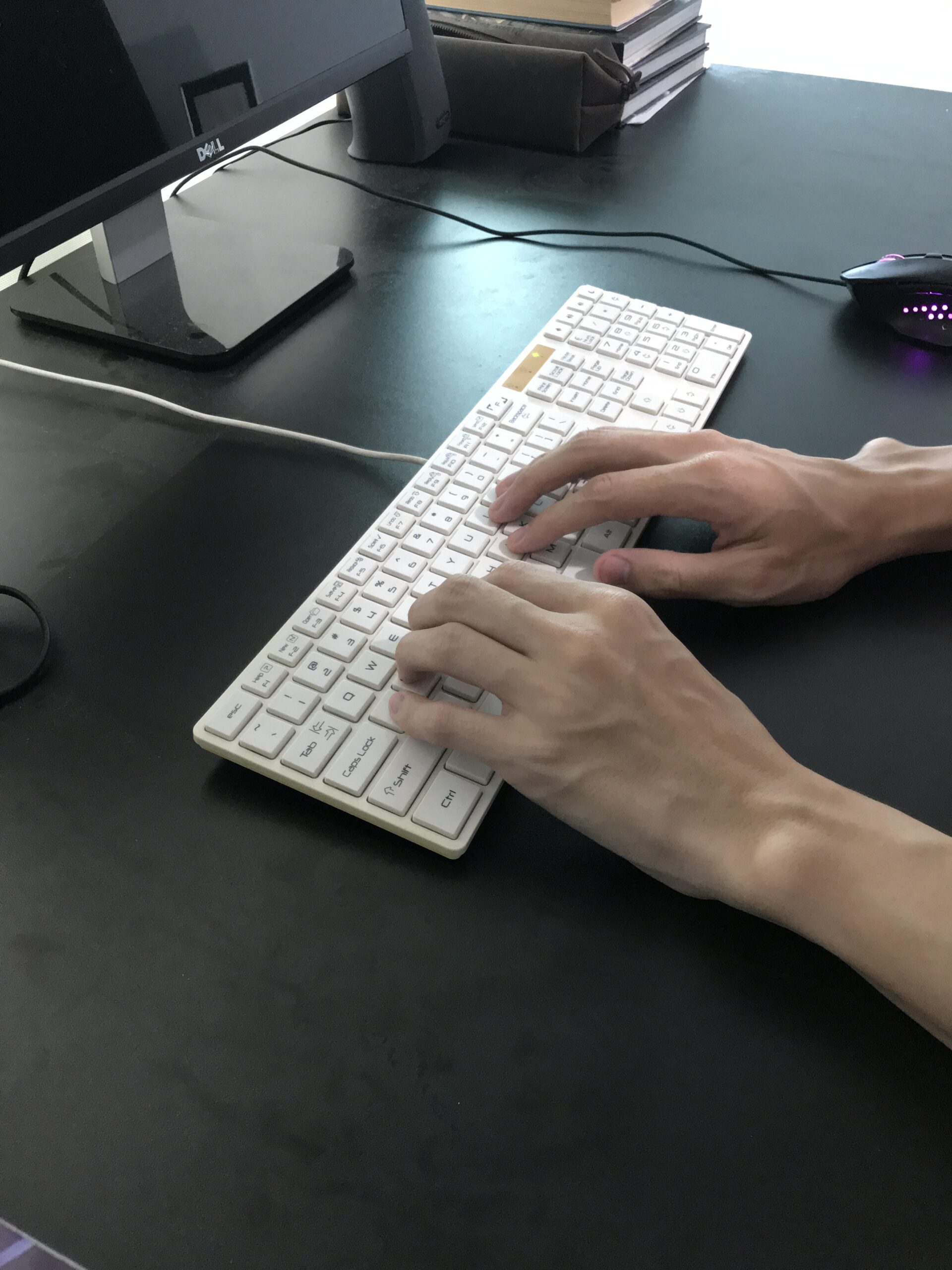
A keyboard and mouse setup that’s mostly used in offices but has practical applications for gaming as well. The keyboard is placed directly at the center of your desk while your mouse occupies a space at the side.
If you’re lacking space or have a wireless mouse, you can “stack” your keyboard and mouse. Instead of the typical horizontal side-by-side layout, you arrange them vertically by either placing the keyboard and mouse above or below each other.
If the games you play require a lot of typing, this is likely the best set up for you.
Banner image from freepik.
Related Stories:
4 Esports Injuries Every Gamer Should Know About
MOBAs Simplified: The Basics of the Biggest Genre in Esports
Esports and the Danger of Burnout